GPS speedometer for iPhone & iPad
Your speed. Your journey. Your dashboard.
Turn your iPhone into a dashboard that feels like yours. See your GPS speed, customize your display and revisit every drive with an animated trip replay.

- Free to download
- No ads
- No account needed
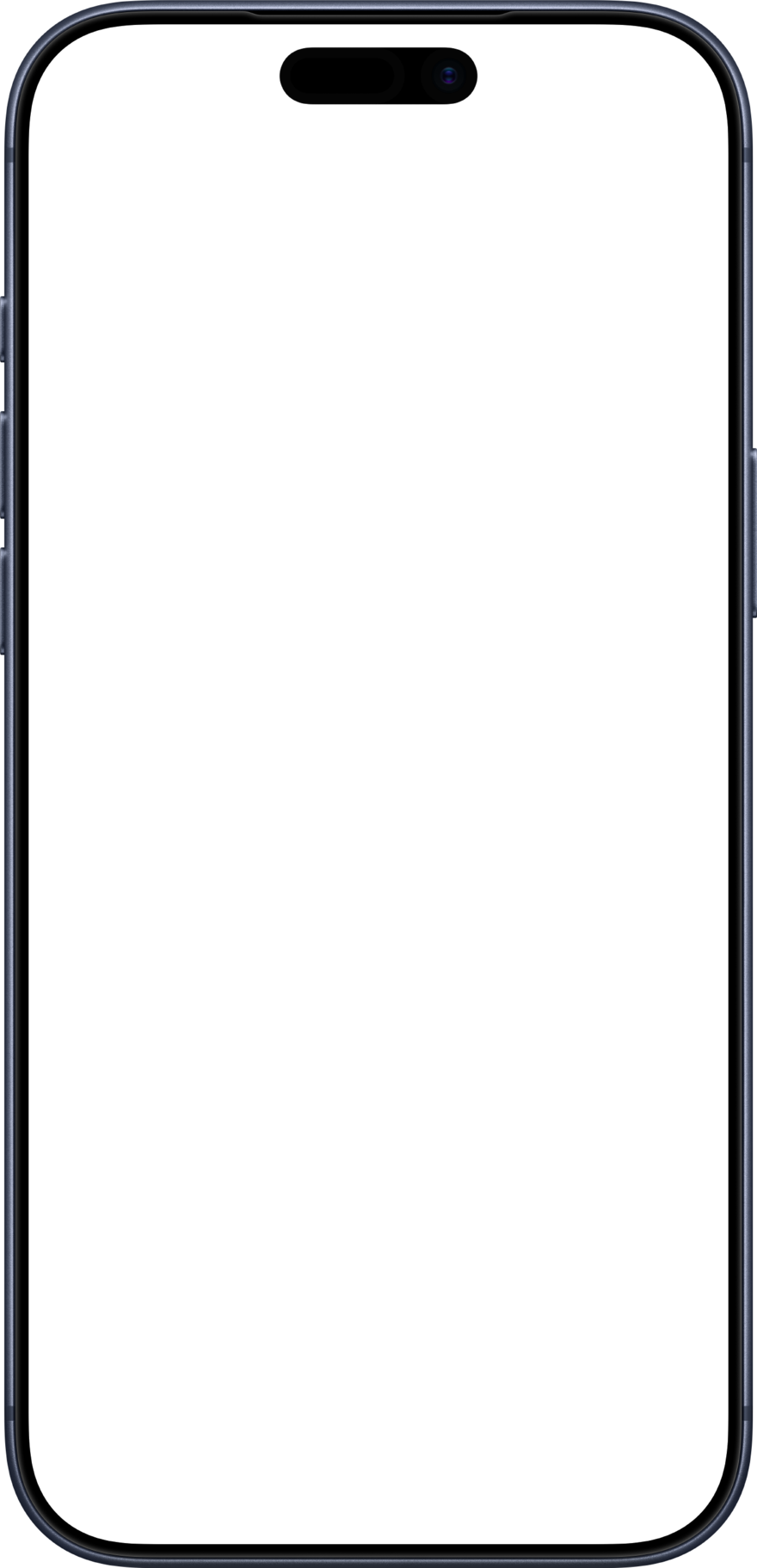
Trip replay
Record and replay your trips
Speedra records automatically when you drive. Open a saved trip to follow your route on the map, colored by speed.
- 01 Speed and elevation
Move through the timeline to explore your speed, climbs and descents at any point.
- 02 Trip statistics
Review distance, average and maximum speed, peak G-force and moving time. Your odometer totals all saved trips.
- 03 Video and GPX sharing
Save a replay as a video, export a trip as GPX or import a route from another app.
Gauge styles
Customize your speedometer
Choose your gauge, layout and number style. Adjust the color zones and speed range to create a display that suits you.
Arc
A sweeping arc brings your speed into focus, with color zones set by you.
Ring
A clean circular gauge that fills smoothly as your speed increases.
Segments
Illuminated segments give your dashboard a classic digital feel.
Needle
A familiar analog dial with a moving needle and clear speed markings.
Sport
A bold speed readout, two instruments and a 0–100 timer in one view.
Focus
An extra-large speed readout for a simple, uncluttered display.
Choose your readouts
Dashboard instruments
Add a map, compass, clock or performance instrument below your speed. Choose one in Standard layout or two side by side in Sport.
-
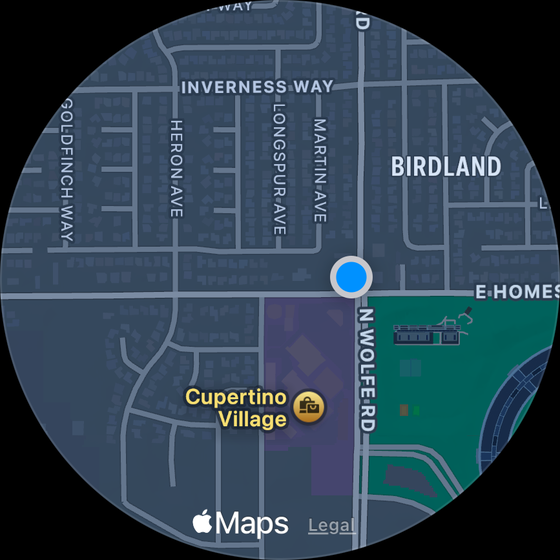
Map
See your current location on the map.
-
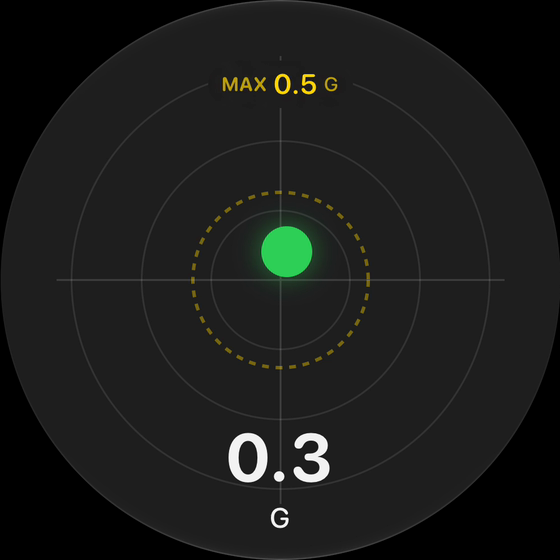
G-force meter
View live cornering and braking forces, with a marker for the peak.
-
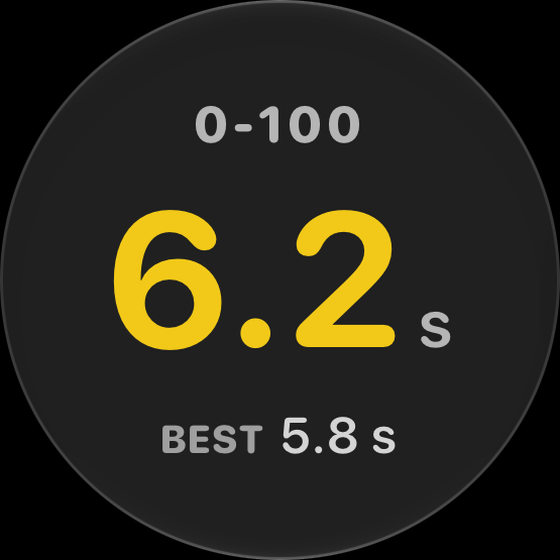
0–100 timer
Measure acceleration from a standing start and save your best time.
-
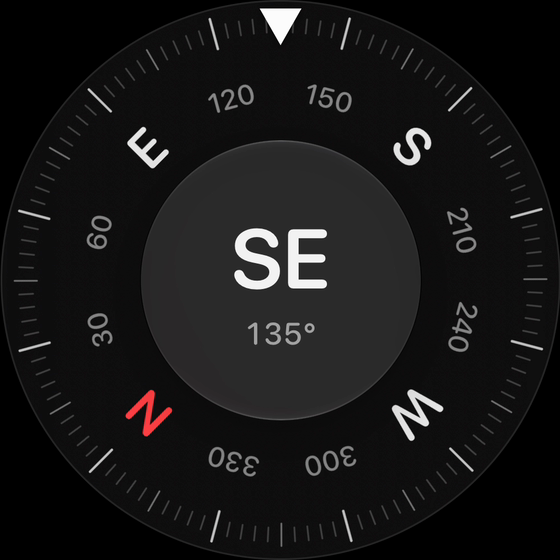
Compass
Check your heading with a compass aligned to true north.
-
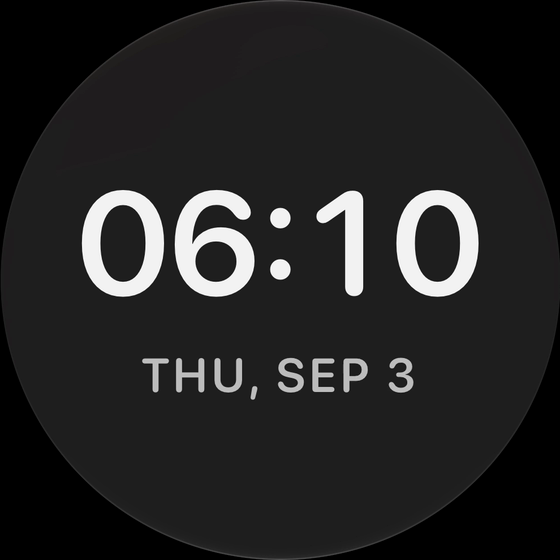
Digital clock
Keep the time and date in view.
Head-up display
Your speed on your windshield
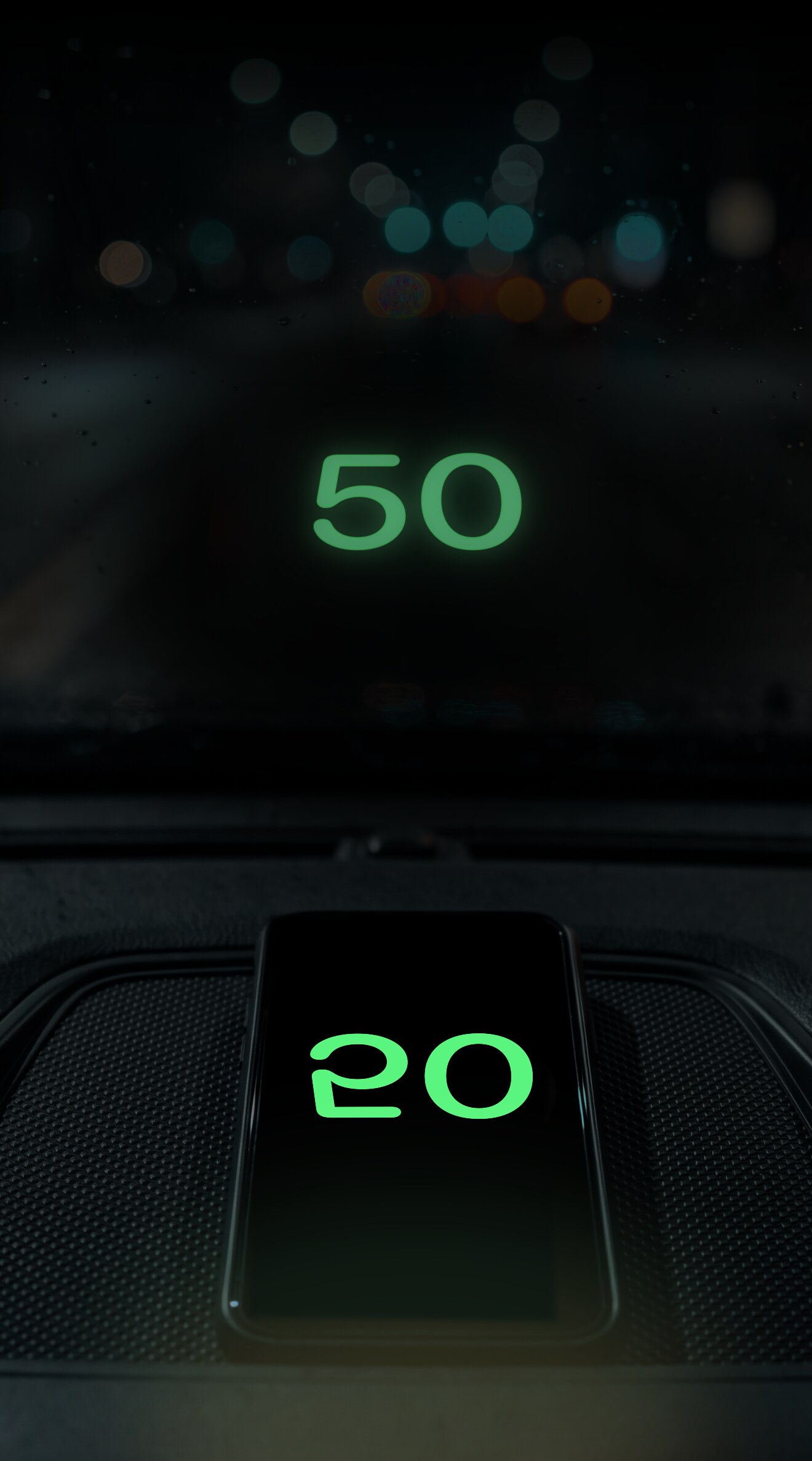
Switch to HUD mode for a windshield display at night. The mirrored numbers reflect from your dashboard onto the glass, showing your speed in a large, simple readout.
- Green, amber, white or red
- Adjustable number style and weight
- Open directly from the speedometer
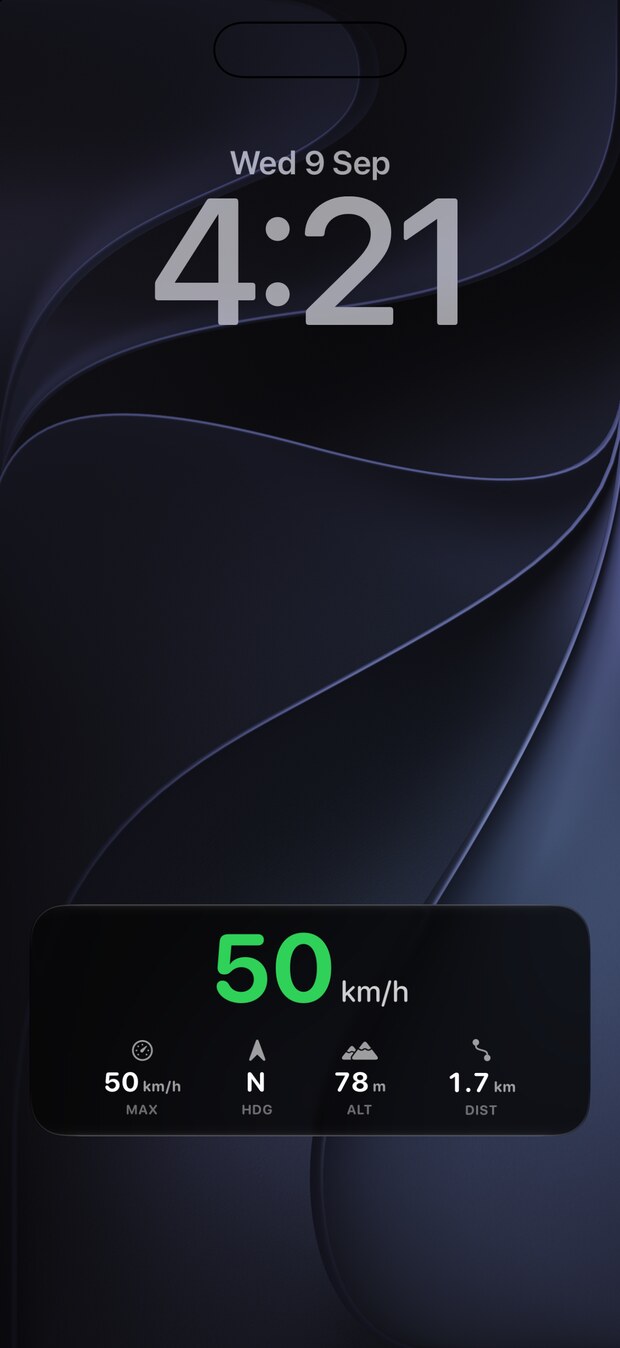
Live Activity
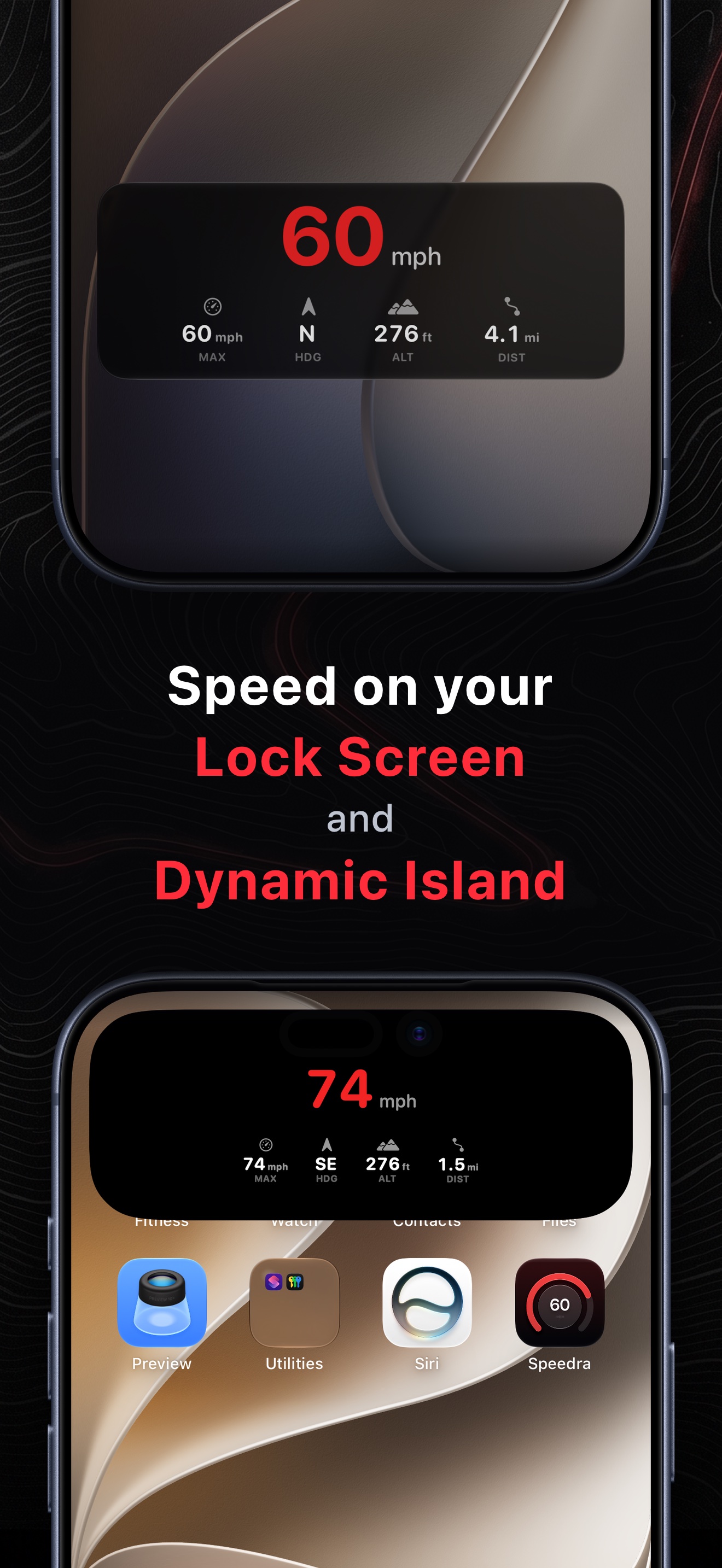
Speed on your Lock Screen and Dynamic Island
See your speed and four chosen trip stats without reopening Speedra.
Visual and sound alerts
Custom speed alerts
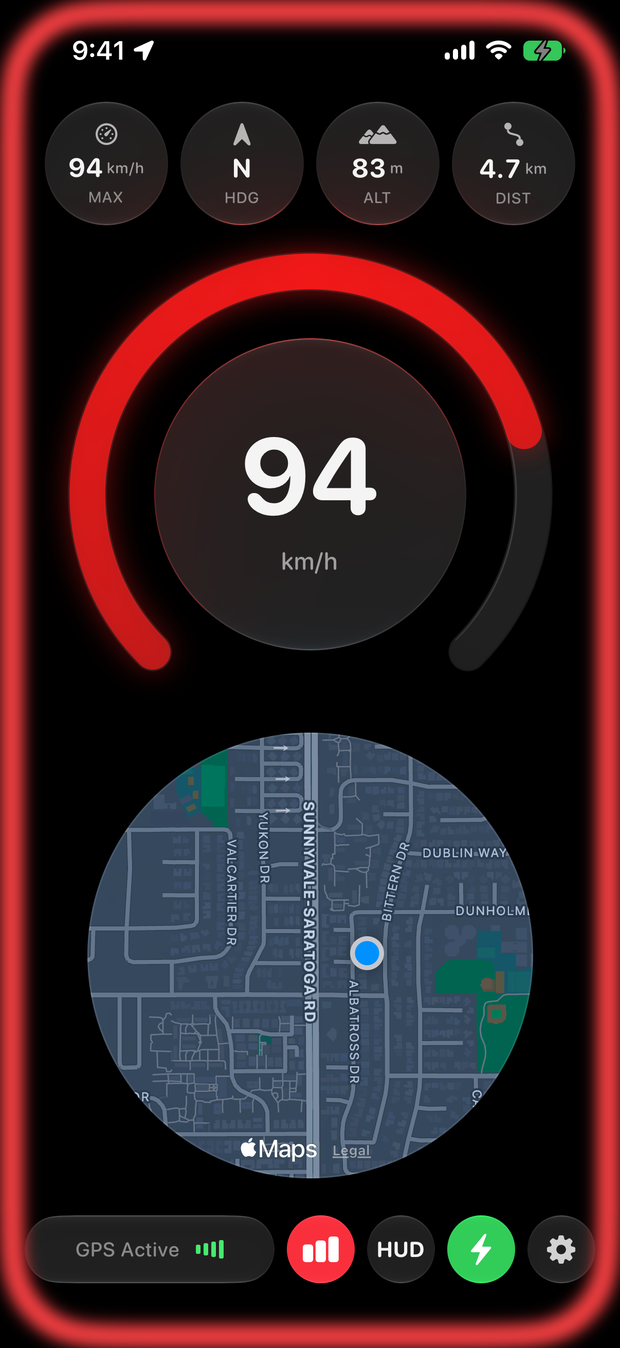
Choose a speed threshold before you set off. If you exceed it, a red pulse appears around the gauge. Add a sound alert for an audible reminder.
Alerts use the threshold you set. Road speed limits are not detected automatically.
Pricing
Free & Pro
Both include the speedometer, HUD and trip recording.
| Features | Free | Pro |
|---|---|---|
| Trip replays | 2 trips | Unlimited |
| Layouts, styles & stats | Standard | Fully customizable |
| Lock Screen & Dynamic Island | — | Included |
| Speed & sound alerts | — | Included |
Pro plans
Annual
US$14.99a year
Weekly
US$4.99a week
3-day free trial
USD prices; local pricing and trial terms are shown in the App Store. Subscriptions renew automatically. Cancel in Apple Settings.
Download Speedra
Available for iPhone and iPad with iOS 17 or later.
Optional Pro purchases available in the app.